
Flexible schedules
Flexible hours, a balance that is always right.
Your workers arrive and leave when they like, within the limits you set. Cloketa compares each day with the expected duration, keeps everyone's balance and leaves the decision on any excess to you.
Four steps, set up once.
Create the flexible schedule
For each working day: the expected duration (for example 7 h 36), the opening window in which the worker chooses his hours (for example 7:00 – 19:00), the core hours when attendance is required and the minimum break. The suggested maximum durations are the legal limits of 9 hours a day and 45 hours a week.
Assign it with actual clocking
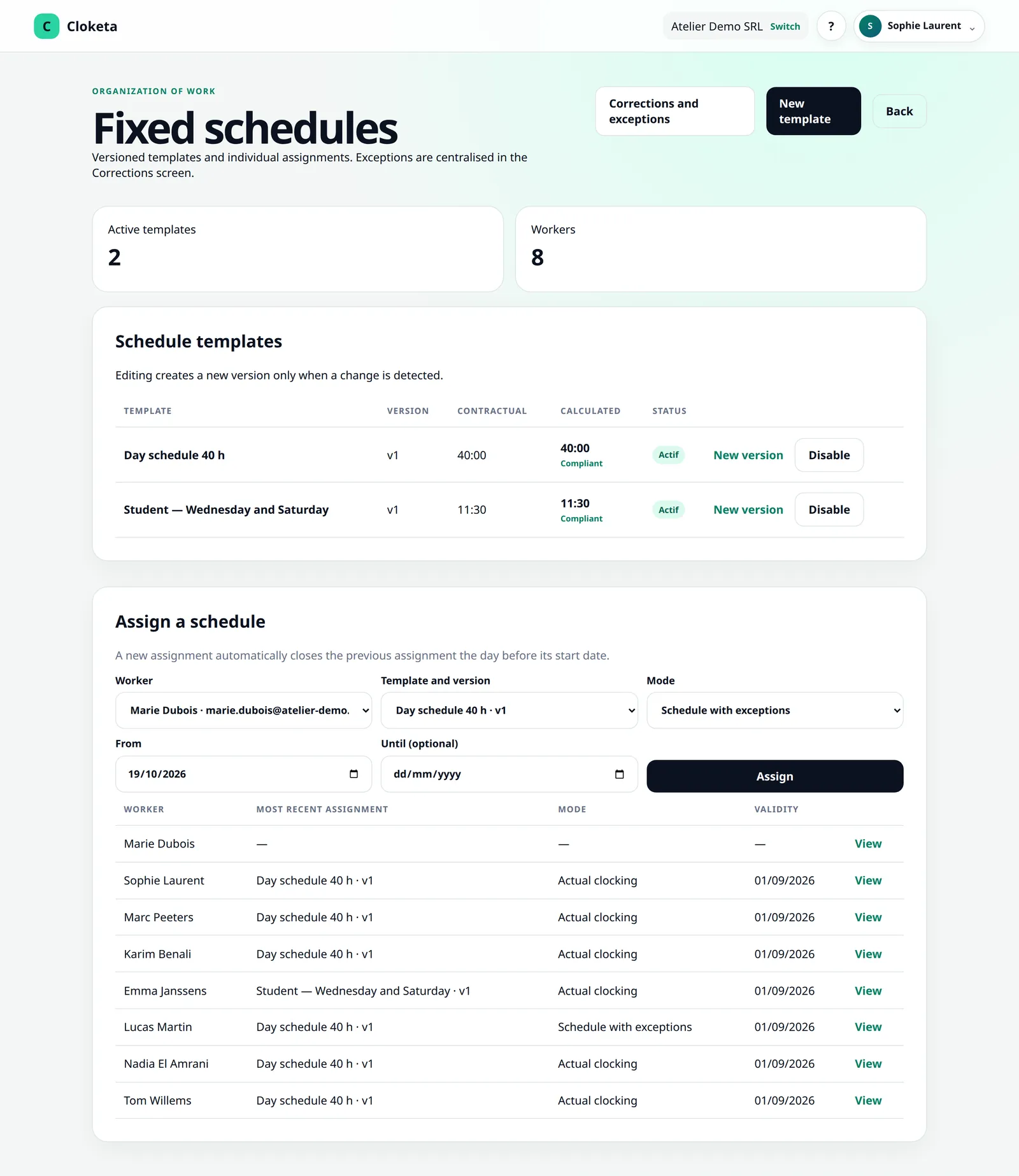
In the Schedules screen, you assign the schedule to the workers concerned, in “Actual clocking” mode. A flexible schedule is always followed through clocking: the hours actually worked are what counts. Other workers keep their usual mode.
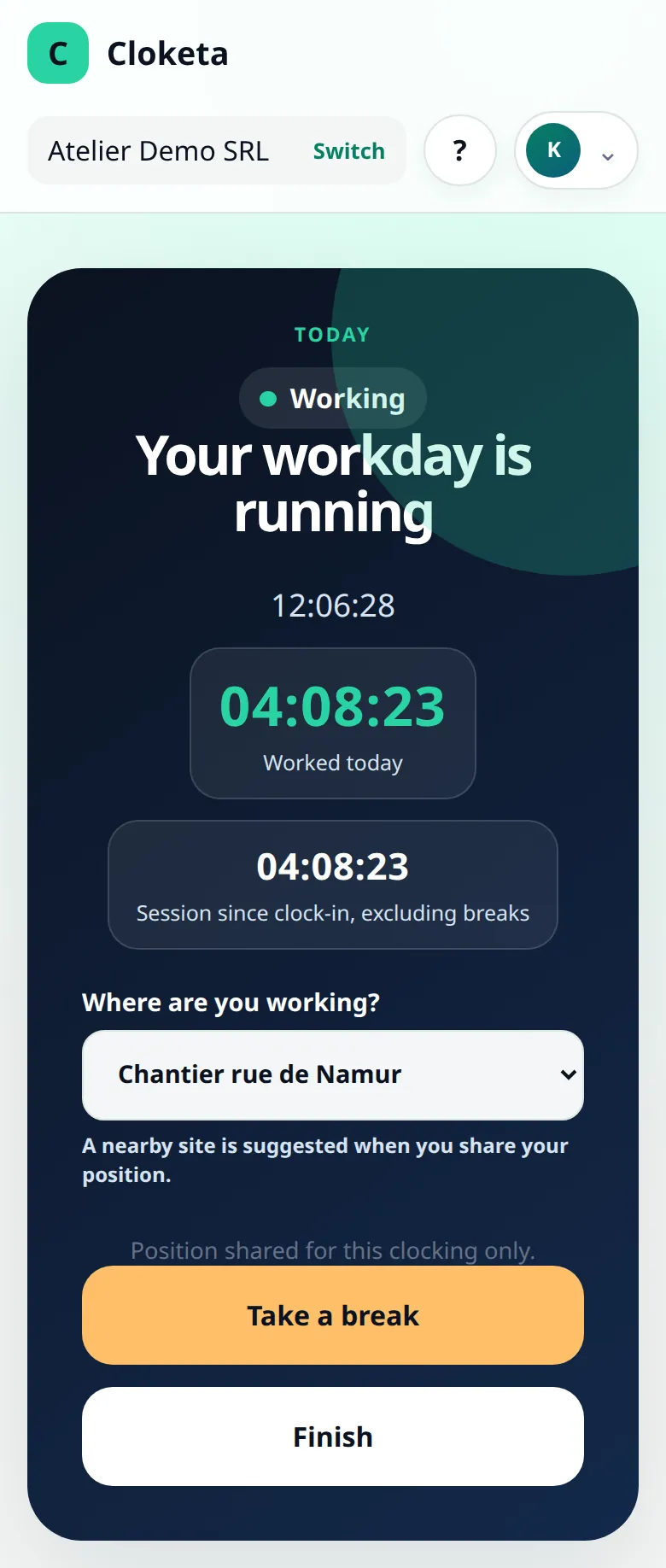
The worker clocks freely
He starts, takes his break and finishes whenever he wants within the opening window. On his clocking screen, he sees his time for the day “of 07:36 expected”, the time of his core hours and his balance this morning. No false alert if he arrives at 9:00 instead of 8:00: reminders start from the core hours.
The counter does the rest
Each finished day adds the time clocked minus the expected duration to the balance. At the end of the reference period, the balance is carried over up to the ceilings you have set. Anything above them is set aside “To settle”: HR decide to carry it over, pay it (or deduct it) or give it up, with a reason.
A week for Julie, in the admin department.
Illustrative example. Julie has a flexible schedule of 7 h 36 a day, opening window 7:00 – 19:00, core hours 9:30 – 12:00 and 14:00 – 16:00, minimum break of 30 minutes. On Monday morning, her balance is +2 h 10.
| Day | Arrival – departure | Break | Time clocked | Difference for the day | Balance in the evening |
|---|---|---|---|---|---|
| Monday | 7:45 – 16:30 | 45 min | 8 h 00 | +0 h 24 | +2 h 34 |
| Tuesday | 8:30 – 17:30 | 30 min | 8 h 30 | +0 h 54 | +3 h 28 |
| Wednesday | 9:15 – 16:00 | 30 min | 6 h 15 | −1 h 21 | +2 h 07 |
| Thursday | 7:30 – 16:45 | 45 min | 8 h 30 | +0 h 54 | +3 h 01 |
| Friday | 8:00 – 16:00 | 30 min | 7 h 30 | −0 h 06 | +2 h 55 |
Over the week: 38 h 45 clocked for 38 h 00 expected, i.e. +0 h 45. On Wednesday, Julie leaves early for an appointment, but stays during the core hours. She could also have booked those hours as “Time off in lieu”: the effect on the counter is the same, but the absence is requested and approved in advance. No day exceeds 9 hours, no week 45 hours.
What the law requires, what Cloketa provides.
In Belgium, flexible working hours are governed by article 20ter of the Labour Act of 16 March 1971. Among other things, it provides for core hours and flexible hours, limits of 9 hours a day and 45 hours a week, compliance with the average weekly working time over a reference period, a time-tracking system and rules set out in an annex to the work rules.
Cloketa provides the time tracking: every clocking, every correction, every counter adjustment and every decision is dated, explained and kept. The work rules remain your responsibility: our guide offers a model annex to adapt with your social secretariat.
What you can set.
The schedule
- An expected duration, an opening window, zero, one or more core-hour blocks and a minimum break, day by day. The expected weekly total is calculated and compared with the contractual working time.
- Maximum durations per day and per week: 9 hours and 45 hours by default. You can lower them. Raising them is only possible in a specific case (for example a collective agreement or a sector scheme): Cloketa warns you and asks for an explicit confirmation, kept in the audit log.
- Several flexible schedules in the same company, alongside fixed schedules and workers who clock in without a schedule.
The hours counter
- A reference period of 1, 2, 3, 4, 6 or 12 months, starting from the month of your choice, always ending at the end of a month.
- Ceilings for carrying over credit and debit at the end of the period. The rest is “To settle” and is never deleted automatically.
- An optional maximum credit that may build up (for example 16 hours): beyond it, hours are no longer added to the balance. Depending on your choice, they are lost or left for HR to settle.
- Adjustments with a reason (hours paid, correction, carried beyond the ceiling, hours given up) and a reset to zero on a given date, for example at the end of the year or after the hours have been paid.
- Opening balances taken over from another tool, line by line or by CSV import (employee number; balance; date).
- Credit and debit alert thresholds for the team view.
Alerts and reports
- A reminder if the worker is not clocked in during core hours, reaches the maximum duration for the day or the week, or ends a day of more than 6 hours without the minimum break.
- An alert when a balance goes beyond your thresholds, once per reference period.
- Reports that compare the time clocked with the expected duration and list the days and weeks above the maximums, without changing anything.
- Opening and closing balances for the period and the excess to settle in the payroll export with totals.
Leave by the hour
- With the “Leave” module, each leave type is counted in days and half days or in hours. A type counted in hours can also be taken for a few hours within a day (from… to…).
- The “Time off in lieu” type draws directly on the counter: the worker cannot request more than his available balance.
- The “Leave” module is included in the Enterprise offer; in the other plans, it is an option at €0.50 excl. VAT per active worker per month. Flexible schedules and the hours counter are included in every plan.
Good to know
- The counter only covers days on a flexible schedule. Days on a fixed schedule do not feed it.
- The balance shown is the one from this morning: the current day is counted once it is finished. Actual time is used, never rounded.
- When the last month of a period is closed, Cloketa locks the counters: opening balance, difference, adjustments, closing balance, carry-over and excess are frozen with a fingerprint. Reopening a month makes them recalculate at the next closing.
- Adjustments and decisions are reserved for the owner, administrators and HR, never on their own counter. An adjustment cannot be changed: a mistake is corrected with a reverse adjustment.
- The worker sees his own balance; each manager sees those of his teams.
- Cloketa does not classify hours (overtime, premium pay) and does not replace your work rules: check your rules with your social secretariat.
Frequently asked questions about flexible schedules
Does Cloketa handle flexible schedules?
Yes. For each day, a flexible schedule sets an expected duration, an opening window, core hours and a minimum break. The worker clocks freely within the opening window and Cloketa compares his time clocked with the expected duration.
Read the full answer : Does Cloketa handle flexible schedules?
How does the hours counter work?
Each day on a flexible schedule adds the time clocked minus the expected duration to the worker's balance. At the end of the reference period, the balance is carried over up to the ceilings you set; the rest is to be settled.
What happens to hours beyond the carry-over at the end of the period?
They are never deleted automatically. Cloketa sets them aside “To settle” and HR make a decision with a reason: carry them over despite the ceiling, pay or deduct the hours, or give them up.
Read the full answer : What happens to hours beyond the carry-over at the end of the period?
Can I limit the credit of hours a worker builds up?
Yes. You can set a maximum credit that may build up, for example 16 hours. Beyond it, hours are no longer added to the balance: depending on your choice, they are lost or left for HR to settle.
Read the full answer : Can I limit the credit of hours a worker builds up?
How does a worker take back his credit of hours?
With the “Time off in lieu” leave type of the Leave module. The worker requests a few hours, a half day or a day; the request cannot exceed his available balance and follows the usual approval process.
Read the full answer : How does a worker take back his credit of hours?
Can leave be taken for a few hours?
Yes, for leave types counted in hours. Each type is counted either in days and half days or in hours; a type counted in hours can also be taken for a few hours within a day (from… to…).
Can I take over hours balances from another tool?
Yes. HR import a CSV file (employee number; balance; date) or enter each worker's opening balance. Each line becomes an “Opening balance” adjustment, dated and recorded.
Read the full answer : Can I take over hours balances from another tool?
Free trial
Try your flexible schedules over a real period.
Create your flexible schedule, take over your team's current balances and let the counter run during the trial. If you would rather have it set up for you, Cloketa Start is there.